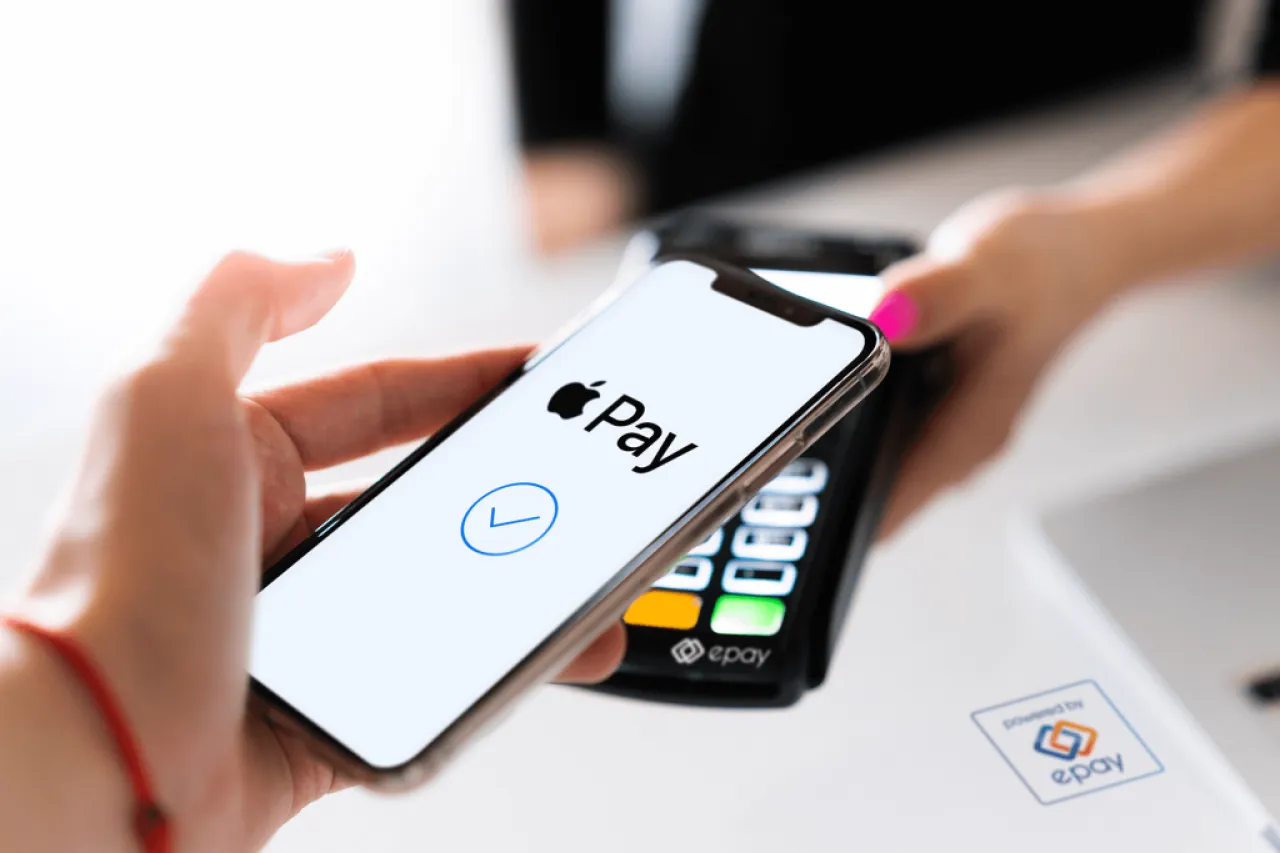
Khaberni - The "Apple Pay" notifications that appear on your phone screen may look convincing and official, but one wrong tap could turn into the most expensive mistake you make this year, amidst a new and sophisticated scam targeting Apple device users.
According to recent security reports, fraudsters have launched a phishing campaign using fake emails and messages claiming to be from "Apple Pay," warning users of a prohibited transaction or suspicious activity on their Apple ID account, and sometimes even claiming to schedule a time to resolve the issue.
This method relies on creating a sense of urgency and fear to push the victim to act quickly, either by calling an attached phone number or downloading a fake support app, which is actually under the control of the fraudsters, according to a report published by "phonearena" and seen by "Al Arabiya Business".
The fraudulent messages closely mimic Apple's identity, including the company's logos, professional formatting, and sender names that imply official status.
These messages often impersonate billing or anti-fraud teams, adding a case number, date, and technical details to lend more credibility.
The messages urge users to act immediately to solve the alleged problem, but contacting the attached number actually means talking to fraudsters impersonating Apple support staff, trying to extract sensitive information such as Apple ID, verification codes, or payment details.
How do you protect yourself?
Apple confirms that it does not schedule anti-fraud appointments via email, and does not ask users to resolve billing issues by calling numbers found in random messages.
Several indicators can reveal the falseness of these messages, the most prominent being that the sender's address does not belong to an official domain owned by Apple, even if the displayed name seems convincing.
The message may contain linguistic errors or illogical phrases like: "Hello {Name}," or inaccurate technical information.
Another distinguishing sign is also the attached phone numbers; a quick search on the internet reveals that they are not linked to Apple but sometimes lead to unrelated sites such as health support pages or public institutions.
These messages rely primarily on psychological pressure, warning of immediate consequences such as account suspension or loss of funds, whereas real Apple messages do not use this style and do not force the user into urgent action.
If you receive a suspicious message that appears to be from "Apple" without having requested contact, experts advise not to click on any links, not to call any numbers, or download any attachments.
To verify, you can manually enter the settings app on your iPhone or Mac, or visit the official Apple site, and review Apple Pay transactions and purchase history in Apple ID.
If there is a real problem, it will appear there without the need for an email.
You can also report suspicious messages by forwarding them to Apple's dedicated abuse countermeasure address, then delete them immediately.
Digital security experts recommend enabling two-factor authentication, using unique passwords, and being cautious with any message that carries an urgent billing or financial accounts theme.
In summary, any message that claims something bad will happen to your account unless you act immediately should raise suspicion.
Calm manual verification always remains the safer choice than interacting with messages that might just be a sophisticated scam.