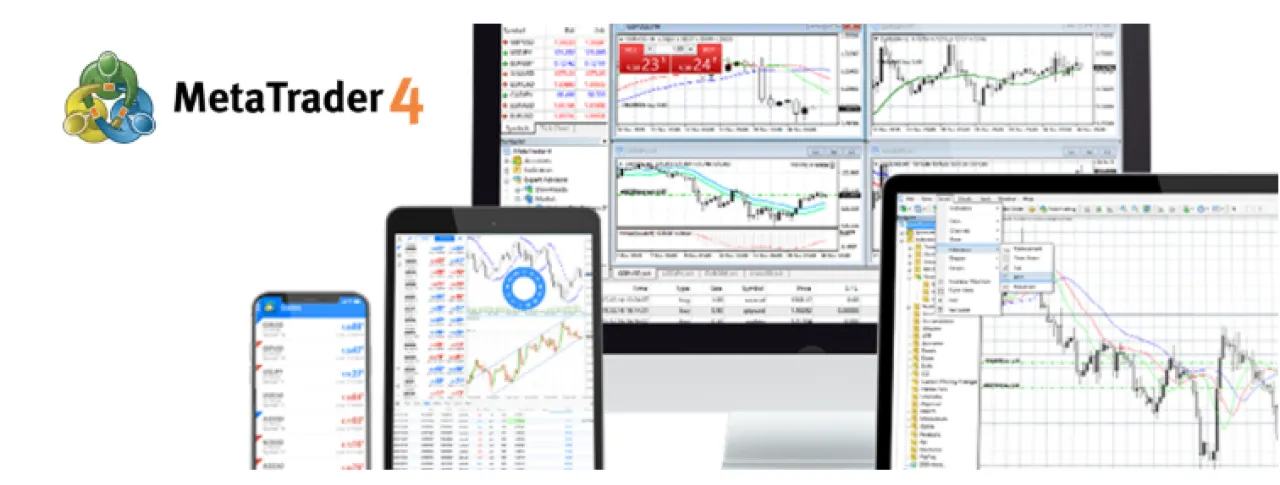
Khaberni - MetaTrader 4 (MT4) is one of the oldest and most famous electronic trading platforms in the world. Launched in 2005, it has achieved wide distribution, especially among forex traders. One of the main reasons for its continued popularity is its ability to support automated trading with Expert Advisors (EAs) and to provide a vast library of indicators and applications, in addition to a simple and familiar user interface. Although the developer MetaQuotes later focused on developing the newer MT5 platform, some brokers have confirmed that trader demand for MT4 has kept the platform "alive" thanks to a large community of supporting tools and add-ons. However, it also means that it is necessary to clearly understand its operating requirements and usage frameworks before downloading MT4 for the computer and relying on it for trading.
Official sources and how to download it
The most important source for downloading MT4 is the official MetaQuotes website or the websites of reputable brokerage firms that offer the platform to their clients. Typically, brokerage companies provide prepared versions of MT4 that include their own trading server settings; through them, traders obtain a version that includes the connection servers directly. Alternatively, MT4 can be downloaded directly from the MetaQuotes website, but it is essential to verify the authenticity of the official website address (metatrader4.com) or the directed download links. In general, it is recommended to avoid third-party sites that are not trusted as they may contain modified versions or malicious software. The download includes choosing the version compatible with the operating system (typically Windows, or macOS with specialized versions) and carefully following the installation instructions.
Technical installation requirements
MT4 has relatively modest system requirements compared to other trading platforms. According to recommendations from brokers and reviewers, the minimum requirements include a processor with a speed of about 1 GHz, random access memory (RAM) of 512 MB, and about 50 MB of free space on the hard drive. The operating system usually includes Windows 7 or newer. Of course, it is advisable to obtain higher specifications for a smooth performance, such as a dual-core processor ≥ 2 GHz and RAM of 1 GB or more, and a screen resolution of at least 1024x768 pixels. For example, OANDA recommends slightly higher specifications to ensure a problem-free experience.
For other systems such as macOS or Linux, MT4 does not officially support them, but alternative solutions such as using emulation programs (Wine on Linux) or modified versions from some brokers can be explored. For users who rely on a laptop or home computer, the minimum specifications should suffice, while a trader who uses multiple windows and runs intensive EAs may benefit from a computer with higher capabilities or from a Virtual Private Server (VPS) service to ensure stability. In any case, MT4 is designed to work on medium-performance devices, but a stable internet connection is also essential to maintain trading stability.
Linking the platform to a trading account (demo and real)
After successfully installing the application, the trader needs to link the platform to an opened trading account at a broker that supports MT4. When creating the account (demo or real), the broker will provide you with an account number (Login), password, and the server name to connect to. When MT4 is started for the first time, a login window that requires this information will appear. It is important to accurately select the correct server (often mentioned by name in the welcome email), as any mistake in it prevents connection to the network. It is worth noting that both the demo account and the real account operate on the same platform programmatically; the main difference is the source of funds (fictional in the demo) and some special conditions. For example, brokerage companies note that demo accounts do not suffer from price slippage or interest fees if positions are held, while these new occurrences may be encountered in the real account. Also, on the demo account, orders may not automatically close due to lack of margin as is the case with the real account. Thus, the trader should expect practical differences between the two accounts as success in an ideal demo environment does not necessarily reflect on the results in the real market.
Platform use fundamentals
Once connected to the trading account, the user sees the MT4 interface, which includes multiple windows (such as the price and market chart, Terminal chart, and market windows). MT4 provides important technical features: it supports inserting orders quickly (One-Click Trading) directly from the chart, and features for stopping loss, taking profit, and operating a Trailing Stop that automatically follows the price. MetaQuotes officially stated that the platform supports three transaction execution modes (including Instant Execution) along with Market orders and Pending orders (in four types: Buy Limit, Sell Limit, Buy Stop, Sell Stop) and Stop orders. A Trailing Stop feature can also be activated to move the stop loss level with price movement as long as the program is active.
As for technical analysis, the platform allows displaying a chart for each financial instrument with up to 9 time frames (from one minute to monthly). It comes equipped with 30 built-in technical indicators and multiple graphical tools, enabling traders to track trends and analyses accurately. Users can also import additional indicators or write their own analysis software using the MQL4 language, which supports creating Expert Advisors for automated trading. On the other hand, traders can set price alerts (Alerts) to notify them audibly or by message when prices reach specified levels.
Also, in MT4, there are special tabs for the execution log (History) and account history (Account History) that allow reviewing details of past transactions in terms of time, price, and volume. It is noticeable that the platform's performance and data storage depend on the settings: for example, a minimum number of bars (candles) saved or setting the log saving feature (Logs). In short, before starting trading on MT4, it is necessary to understand the types of orders offered by the platform (market, pending, stop), how to add indicators and technical chariots, how to operate and activate experts (with the AutoTrading button), and how to benefit from alerts and transaction logs as tools to assist in monitoring.
Platform limitations and its compatibility with modern technologies
Despite its advantages, the MT4 platform is somewhat limited by certain financial assets. It was primarily designed for trading forex and Contracts for Difference (CFD), so it does not support direct trading of traditional stocks or complex derivatives authentically. Some brokers may provide stocks in the form of CFDs on MT4, but this differs from platforms designed to support real stocks. Moreover, MT4 lacks some modern technical features; the platform is built on a 32-bit application and relies on single-core processing, which makes it limited in utilizing multi-core processors and 64-bit systems. Also, MT4 does not contain advanced features such as built-in Market Depth (DOM) or an economic calendar; these gaps have been closed by the developer in MT5 and other competitors.
As MetaQuotes has focused on developing MT5, MT4 has become a "mature platform" with most updates already in place. For example, MT5 now offers 21 time frames and 38 indicators, while MT4 remains with 9 time frames and 30 indicators. Additionally, MT5 supports pure trading systems (Netting) as well as the traditional hedging system, and it offers additional types of pending orders (like Buy Stop Limit). In short, if a trader needs multi-asset trading or advanced analysis tools, newer platforms might be more suitable; however, if the focus is only on forex or simple contracts with reliance on an existing EA library, then MT4 may suffice. It should be noted that trading conditions (such as spre