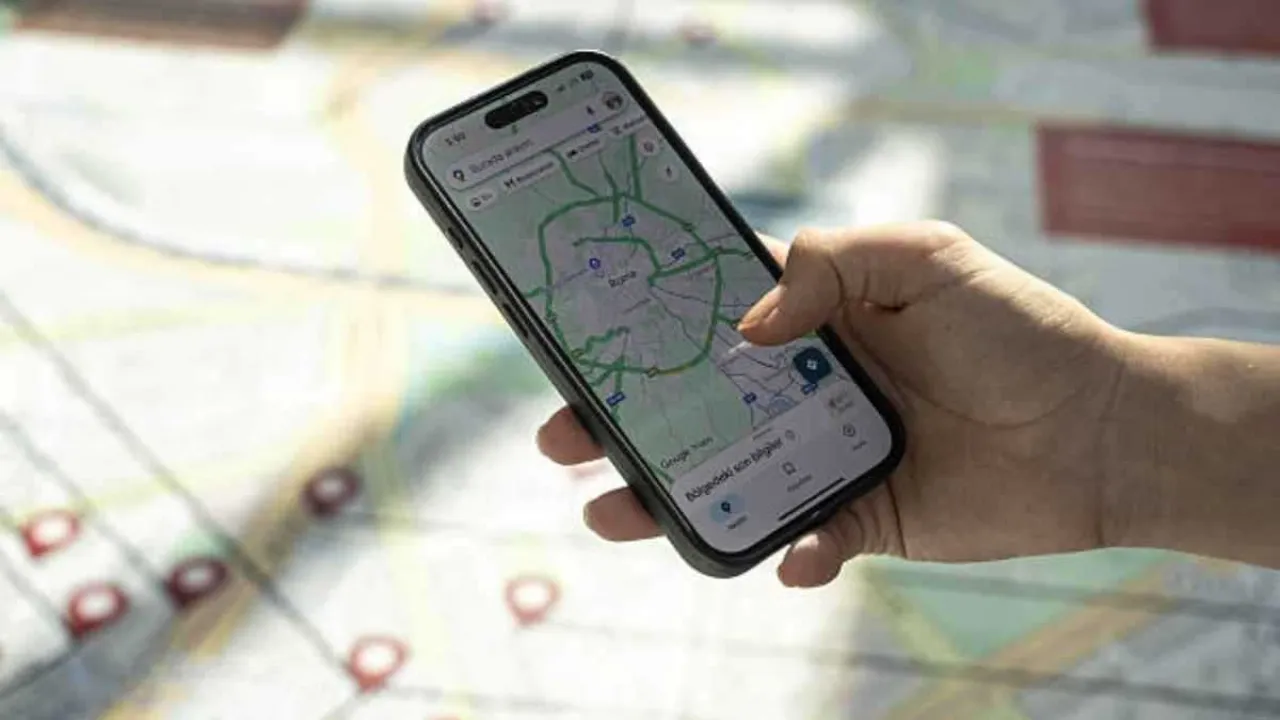
Khaberni - Whether you rely on Google Maps daily to get to work, to plan a long trip, or to search for cafes and new places in your city, customizing the app settings can significantly improve user experience.
Google Maps is more than just a navigation app; it is a powerful tool that allows users to enhance their daily travel experience and quickly access important information.
To get the best experience, there is a set of settings that can be adjusted in the app to enhance performance, whether for daily navigation or for exploring new places with ease.
Map display mode
The first thing to change is the map display mode itself within the app. By clicking on your profile picture at the top of the screen and then going to settings, navigation and map display, you can choose the map color scheme like automatic, daytime, or nighttime.
You can also activate or deactivate the display of 3D buildings, show the speedometer and speed limits while navigating and adjust the map direction, for example, keeping the north always at the top.
These customizations help make the map clearer and easier to use while driving or walking.
Vehicle details
Google Maps allows users to enter the type of vehicle they are driving within settings, in your vehicles section. You can also choose the type of engine such as gasoline, diesel, hybrid, electric.
These details help the app to offer more efficient routes in terms of fuel consumption or suggest charging stations for electric cars.
You can also choose your favorite car icon that appears during navigation, giving you a more personal feel during the journey.
Organizing favorite places
Another useful setting is organizing the places you visit frequently, where you can give custom names for locations such as home or work, or create your own labels.
After searching for the location and clicking on options, choose to add a label, then save it, to make these locations easily appear in search and navigation.
You can also save specific routes or more from the Saved Trips list, saving you from re-entering the destination every time you use the app.
Multiple lists for trips
Another useful feature in Google Maps is the ability to create multiple lists of places, such as a list of places you want to visit on vacation or a list of favorite restaurants or tourist sites.
Each list can be private or shared with friends and family, and it makes it easy for you to return to them later without repeating the search.
Saving parking locations
Many users overlook the feature of saving the location of the car park. Within the settings in Navigation Parking options, you can activate the option to automatically save the car park location, so you can easily return to it later, especially when visiting new places or in busy cities.