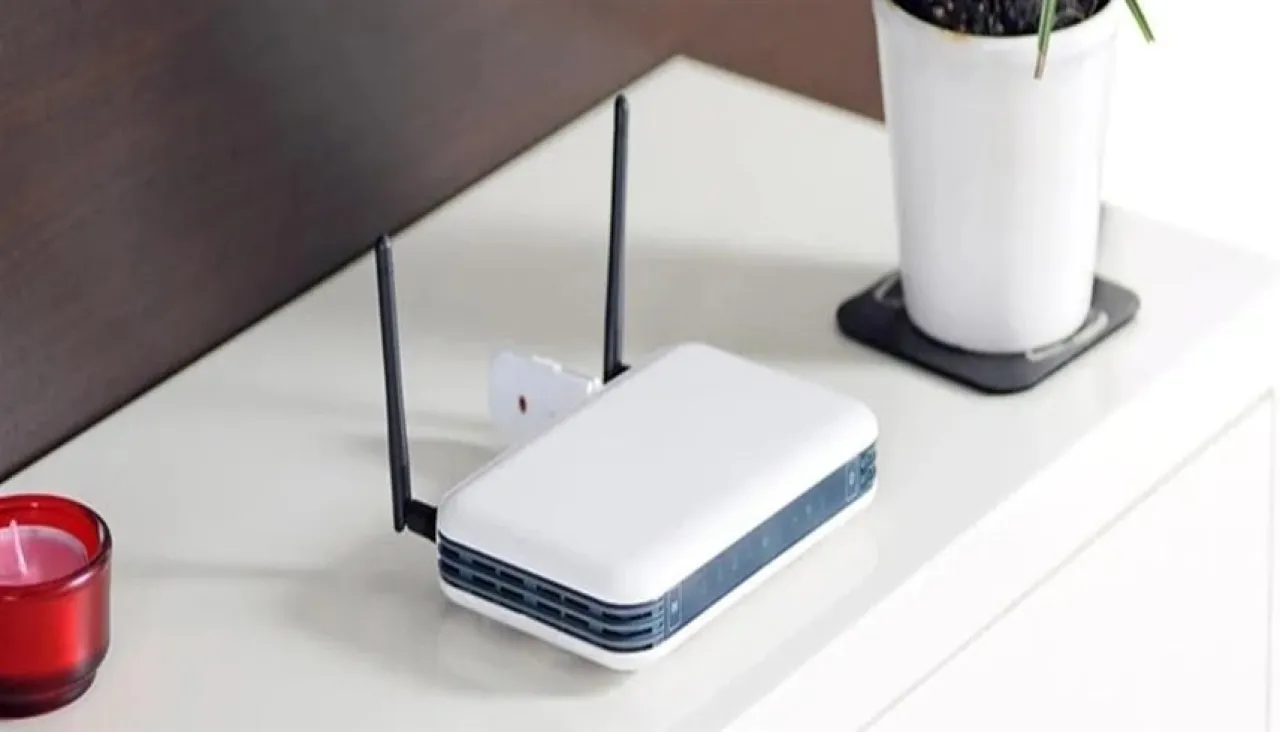
Khaberni - Placing the router in the wrong place could be the main reason for the weak WiFi signal in the home, according to warnings from internet service experts.
Tom Haywood, an internet expert at Community Fibre, says that hiding the router or placing it behind furniture can directly affect the quality of the connection.
Haywood states, "The location is very crucial. The signal weakens as it passes through walls, furniture, or electrical appliances." He recommends placing the router in a central and elevated location inside the home, away from large devices such as microwave ovens, with a preference for mounting it on a shelf or wall, according to the Mirror site.
Network congestion.. The hidden enemy of speed
The Internet weakness doesn’t just stop at the location of the router; every device connected to the network consumes a part of the bandwidth. With family members using the Internet for live streaming, electronic gaming, or video calls at the same time, speeds can drop significantly.
Haywood advises disconnecting unused devices and scheduling large downloads outside peak times. Also, some modern routers allow the feature of prioritizing specific applications, such as work calls or live streaming, to ensure better performance.
When does changing the router become necessary?
The reason might simply be the age of the router. Older devices often don't support modern WiFi standards like WiFi 6, which limits the speed of coverage and the number of devices that can connect efficiently.
Haywood explains, "Newer devices are designed to handle more devices and reduce interference. Upgrading can make a significant difference, especially in busy homes."
Is the problem from the internet speed itself?
In some cases, the fault may not lie with the WiFi but with the internet plan. The expert explains that subscribing to a low-speed package can lead to reduced speeds during peak times, as part of the network's pressure management by the service provider.
According to Haywood, the solution is to upgrade to a faster and more stable plan to avoid interruptions and frequent slowdowns.
Unexpected sources of interference inside the home
Many may not realize that certain household items can negatively affect the signal strength, such as mirrors, fish tanks, smoke detectors, and Bluetooth and radio devices.
Haywood warns, "It's not just walls that block WiFi; some home appliances can cause significant interference without us noticing."
Improving WiFi speed doesn’t always require complex solutions, but may start with simple steps like choosing the correct location for the router, reducing network congestion, or considering upgrading devices and the plan itself.