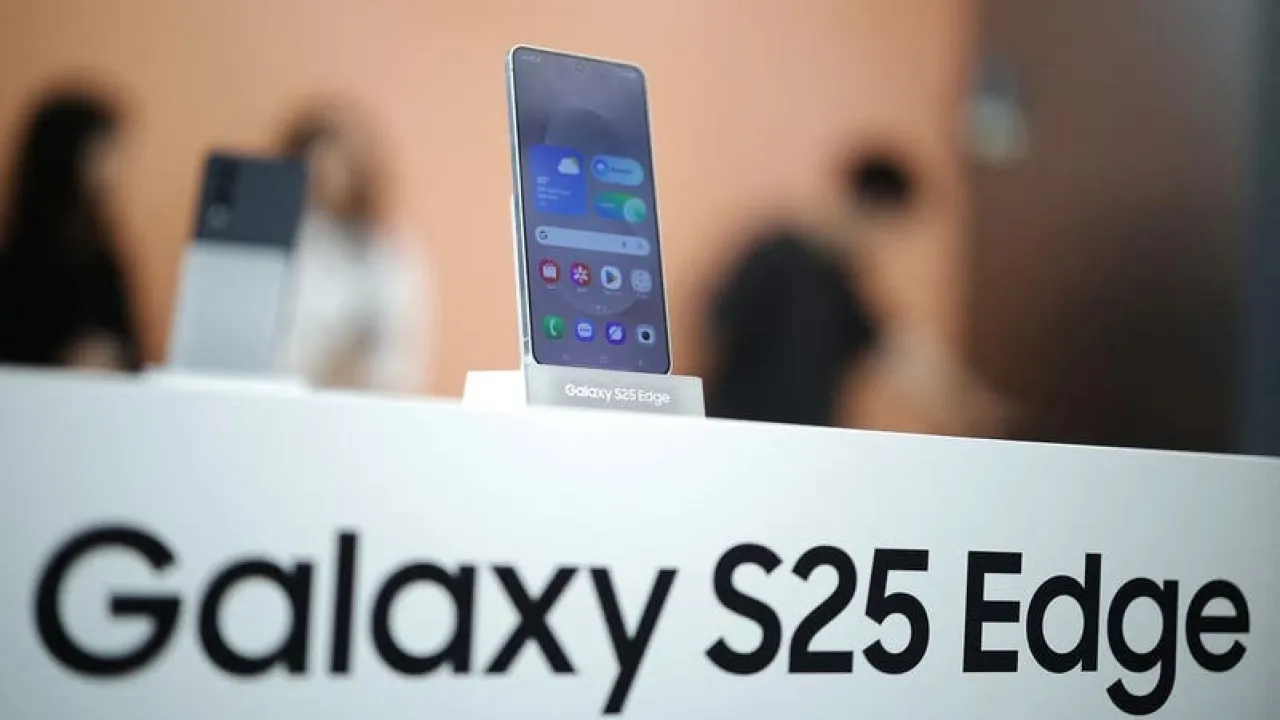
Khaberni - It is likely that the next series of Galaxy phones from Samsung will be introduced within a few months at least, but there have already been some leaks about the company's upcoming user interface release.
"One UI 8.5" is considered the next major software update expected to be launched with the "Galaxy S26" series in January, most likely.
Here are some of the main features expected to be seen in "One UI 8.5", according to a report by "Mashable", a site specializing in technology news, reviewed by "Al Arabiya Business".
1- Samsung's version of Liquid Glass
Apple recently launched a comprehensive update to the iPhone user interface titled "Liquid Glass". Samsung will not do the same with "One UI 8.5", but there will be some visual changes that will come with the update.
In general, the interface of Galaxy phones with the "One UI 8.5" update will look more elegant, shiny, and visually appealing. App icons will get a three-dimensional effect, and several applications, such as "Digital Wellbeing" and "Gallery", will receive their own visual upgrades.
Although these changes are not as extensive or transformative as the "Liquid Glass" design itself, it will be a suitable solution for Galaxy phone users who may have been bored with the look of the user interface on their devices.
2- Comprehensive family sharing
"One UI 8.5" will feature some new family sharing capabilities. In the settings application, users can now create a family group using their own Samsung account, which will bring together all the needs of their family members in one place.
Payment methods can be shared, others’ locations can be tracked, and even health data can be shared and compared, if the user wishes.
Other interesting features also include a request page where anyone, for example, can request the purchase of a paid game or application from the app store to be pending approval by the family group owner, which will be very convenient and practical.
3- Screen privacy
Samsung intends to introduce a new feature for protecting phone screen privacy with "One UI 8.5".
Not much detail is available about this feature, but it seems to activate the privacy screen in crowded places when opening "sensitive apps", which may include anything that involves financial or personal information.
The user interface identifies elevators and public transportation as locations where you might want to activate this feature, making the screen invisible to nearby people.
4- Smart switching between networks
This is an interesting feature, where the new system will be able to assess whether a user should connect to a Wi-Fi network or a cellular internet network automatically, and then switch between the two options seamlessly when necessary.
Although it seems like a simple change, it could be useful when handling large files such as video clips.