



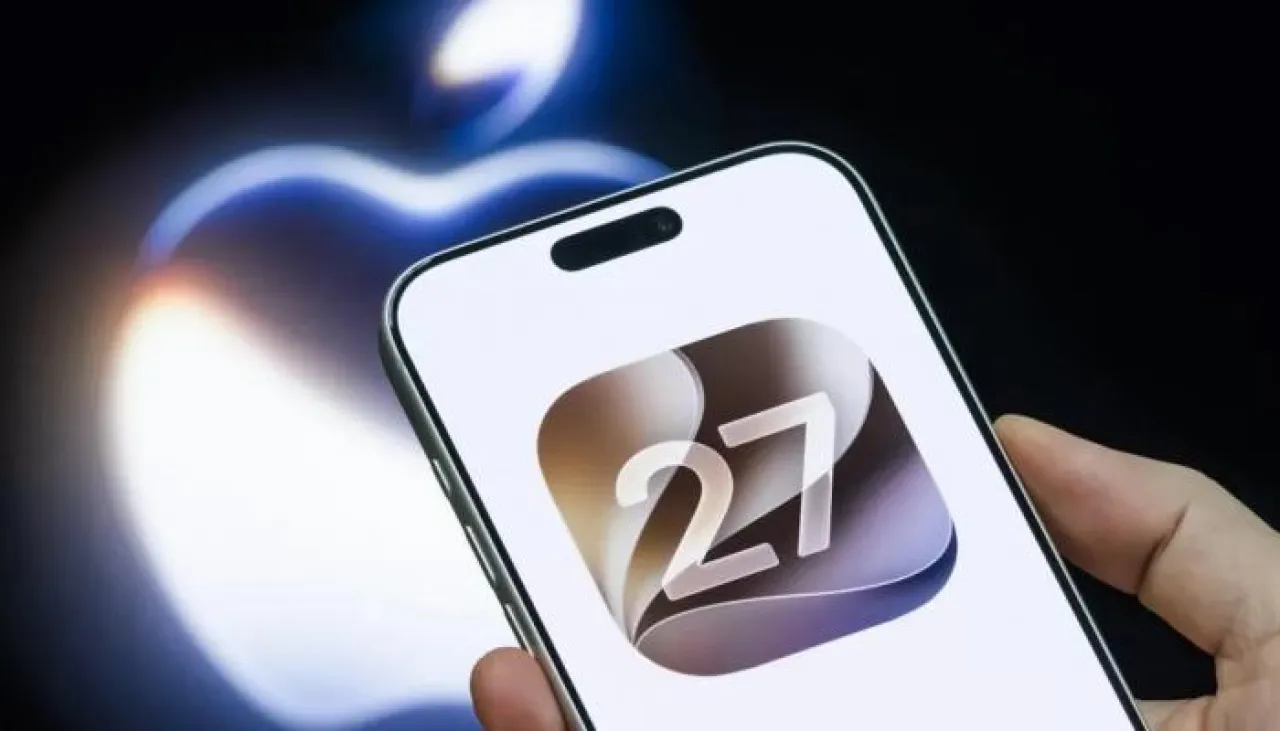
Khaberni - Today, Apple officially launched the new iOS 27 update for iPhones, carrying with it a wide range of smart features and radical improvements in performance and interfaces.
The eyes of technology enthusiasts and smartphone users are currently focused on Apple as it begins to roll out its latest operating systems for iPhones. This release represents a major leap in daily user experience, due to its heavy reliance on artificial intelligence technologies and noticeable visual enhancements in the system interface.
With the update being available via the Settings app to millions of users worldwide, the new additions include a comprehensive development of the voice assistant, system speed upgrades, and innovative features serving task management, entertainment, and geographical location, making it one of the most significant software releases awaited by portable iPhone computers during the year.
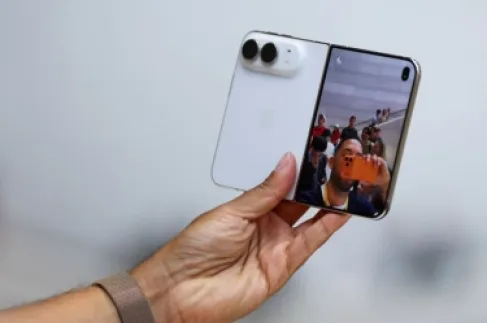
Apple confirmed today that the release of the new iOS 27 update for iPhones will bring with it an extensive array of smart capabilities and radical improvements in performance and interfaces, after unveiling its latest versions during the conference titled "Surprise and Shine", where the company showcased the iPhone 18 Pro and Pro Max, the new foldable iPhone Duo, new models of Apple Watch, and AirPods 5; to announce official details of the timetable and make the new system available to users around the world through the Settings application.
iPhone Duo versus iPhone 18 Pro.. 10 features that determine the battle of price, camera, and screen
How to get the iOS 27 update on your iPhone
The new system becomes available for direct download and installation to users through the usual operating system programming steps, with specific technical requirements needed to fully benefit from the advanced features:
The new update is officially and directly available to all users by navigating to your phone's Settings app.
Scroll through the menu and choose the General tab to access the basic system options.
Click on Software Update to start searching for the new version automatically.
Wait until the iOS 27 system update appears on the screen, then click on Install Now.
Ensure your phone is connected to a strong Wi-Fi network and plugged into the charger to guarantee the download and installation process is completed successfully.2
Top 8 New Features in the iOS 27 Update
The new iOS 27 system presents a huge set of advanced tools that meet user expectations and enhance the efficiency of smart devices including:
Siri AI.. The new generation of artificial intelligence
This development marks a major turning point in the voice assistant where the new Siri AI version handles complex requests by understanding screen content, using stored personal data, and performing tasks directly within compatible apps, while retaining the traditional activation method via a long press on the side button.
Advanced artificial intelligence inside iPhone apps
The Apple Intelligence system expands to include new creative tools, such as "Extend" and "Reframe" options in the Photos app, the ability to generate realistic images through the Image Playground app, as well as inventing new shortcuts by simply describing them textually, and creating automatic descriptions for your security video clips from HomeKit cameras.
Improved Liquid Glass design for interfaces
The company continues to refine the user interface through enhancing the Liquid Glass design, characterized by smoother optical refraction and improved contrast, along with making application icons clearer and more detailed, and providing a new slider to fully control the transparency and visual coloring of the interface.
Radical improvements in overall performance speed
The update not only focuses on visual features but significantly enhances system efficiency; application launch speed is faster by up to 30%, image loading in the library by up to 70%, while AirDrop file transfer speed jumps by up to 80%.
iPhone Handoff feature
This new addition allows users flexible and easy switching between two iPhones using the same phone number on both devices, relying on support from local and international telecom companies to activate the service according to each company's policies and fees.
Smart bill splitting using Apple Cash
This feature (currently available in the U.S.) allows users to point the camera at any financial receipt, where the system automatically recognizes item details, calculates everyone's share including taxes and tips, and settles the amounts immediately via Apple balance through the Wallet and Messages apps.
More flexible options for hiding and sharing locations
The Find My app provides precise control in sharing geographic location; allowing setting custom time frames (such as specific days and hours) to automatically end sharing, or temporarily hiding the location from certain people until the end of the day without alerting them.
Support for video playback across car screens (CarPlay)
The new platform allows developers to create applications that enable browsing and watching videos directly on compatible car screens, completely locking the feature while driving for safety reasons, to restrict its use to times when the car is stopped such as waiting at the airport or during electric vehicle charging.
List of devices compatible with iOS 27 update
Apple supports the iOS 27 update on a wide range of iPhones, which include the following models:
The recent iPhone series: iPhone 18 Pro, iPhone 18 Pro Max, iPhone Duo, iPhone 17e, iPhone 17, iPhone 17 Pro, iPhone 17 Pro Max, and iPhone Air.
iPhone 16 series: iPhone 16e, iPhone 16, iPhone 16 Plus, iPhone 16 Pro, and iPhone 16 Pro Max.
iPhone 15 series: iPhone 15, iPhone 15 Plus, iPhone 15 Pro, and iPhone 15 Pro Max.
iPhone 14 series: iPhone 14, iPhone 14 Plus, iPhone 14 Pro, and iPhone 14 Pro Max.
iPhone 13 series: iPhone 13, iPhone 13 Mini, iPhone 13 Pro, and iPhone 13 Pro Max.
iPhone 12 series: iPhone 12, iPhone 12 Mini, iPhone 12 Pro, and iPhone 12 Pro Max.
Previous versions: iPhone 11, iPhone 11 Pro, iPhone 11 Pro Max, in addition to the iPhone SE (second generation and later).
Although these devices fully support the new update, the advanced artificial intelligence features (Apple Intelligence) and Siri AI assistant are exclusively limited to iPhone 15 Pro and newer models only.