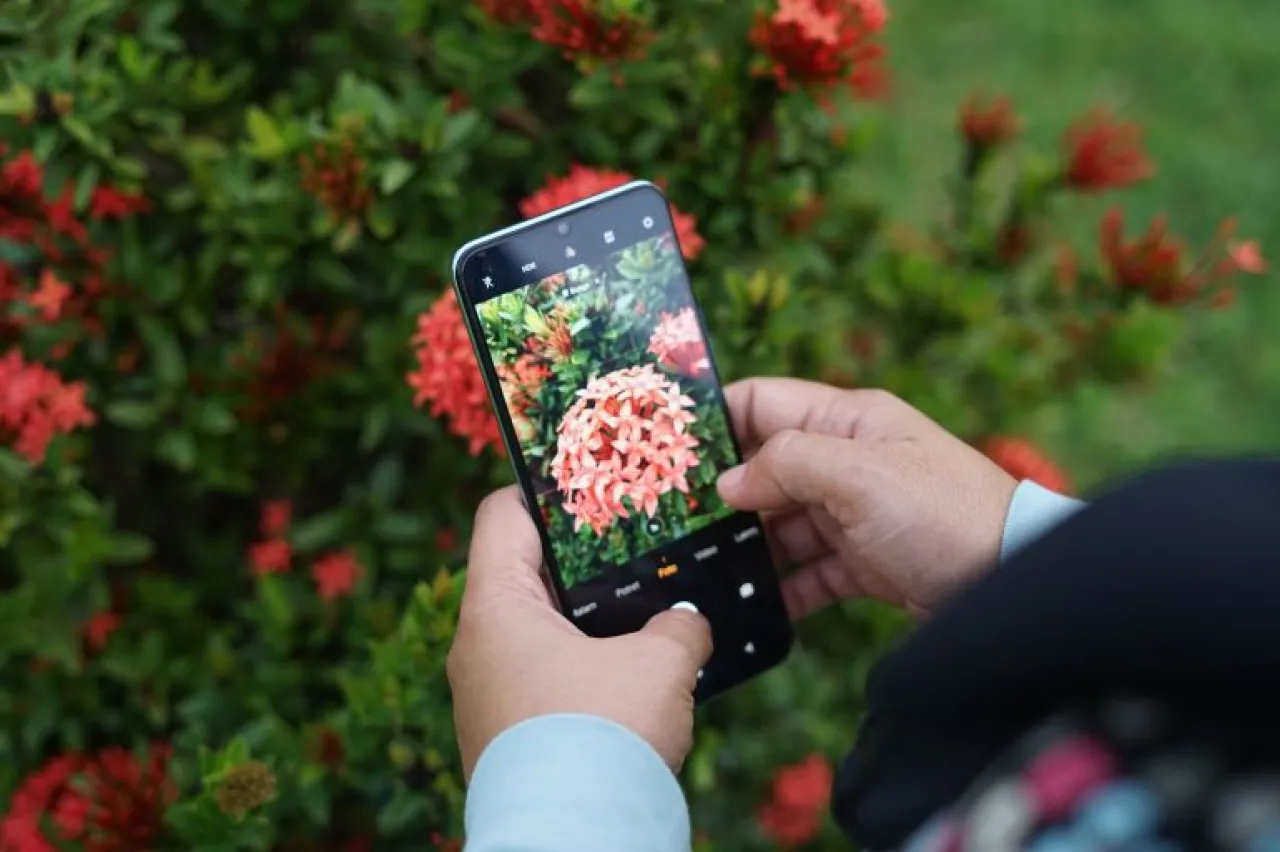
Khaberni - At a time when smartphone cameras have become a fundamental part of the visual content industry, professional photography is no longer just associated with expensive cameras, but now greatly depends on the user's understanding of the basic techniques of photography.
Guidelines from tech companies developing phone camera systems, like Google and Samsung, suggest that user behavior in photography might be the most significant factor in image quality, more so than the hardware itself.
Lens Cleanliness.. A Small Detail with Big Results
The general photography guidelines issued by smartphone companies state that fingerprints or dust on the lens can lead to light dispersion and reduced image sharpness. Despite its simplicity, wiping the lens clean before shooting is considered one of the most common mistakes among users, and it substantially increases detail clarity and reduces visual noise, especially in low light settings.
Natural Lighting Instead of Flash
According to recommendations by Google on phone photography, relying on natural lighting produces more balanced results compared to direct flash, which creates harsh shadows and unrealistic colors. Shooting during the "golden hour," like early morning or before sunset, offers softer, warmer lighting, giving images a cinematic quality without any additional adjustments.
Camera Grid and the Rule of Thirds
Activating the camera grid (Grid) in the settings helps the user to apply the "Rule of Thirds," which is one of the most important compositional rules in photography. This rule, which relies on evenly distributing elements within the frame, is widely used in professional photography to guide the viewer's eye towards the main subject in the image.
Manual Control of Focus and Lighting
Technical support documents for Android photography apps indicate that tapping on the screen to select the focus point (Focus) while adjusting the light bar (Exposure) allows for precise control over the final outcome. This feature, despite its simplicity, enables the user to avoid overexposed or underexposed images and helps to highlight details in the main element.
Apps that Enhance Photography and Editing Quality
In addition to the default camera, photography apps play an important role in improving results, some of the most prominent tools include:
- Adobe Lightroom Mobile: Provides professional tools for adjusting colors, lighting, and sharpness, and is widely used among photographers and content creators.
- Snapseed: A free app from Google that allows precise photo editing with advanced tools such as perspective correction and selective adjustment.
- Google Camera: Relies on high dynamic range (+HDR) technologies and computational image processing to enhance detail, especially in low light.
Technical reviews published on specialized smartphone technology sites indicate that using these apps can significantly improve image quality compared to default processing on some devices.
Avoiding Digital Zoom
One of the notable mistakes that affect image quality is the use of digital zoom, which results in a loss of detail because the image is magnified digitally rather than optically. Android photography guidelines recommend moving closer to the subject instead of relying on zoom.
The Background is Equally Important
Photographic composition principles confirm that the background plays a pivotal role in highlighting the main subject; simple and uncluttered backgrounds help focus the eye on the main element, while chaotic backgrounds can distract attention even if the lighting is perfect.
High Dynamic Range Mode to Balance the Scene
The High Dynamic Range (HDR) technology has become a standard feature in modern Android phones, where it merges multiple pictures with different lighting levels to produce one balanced image, and companies recommend using this feature in scenes with high contrast between light and shadow.