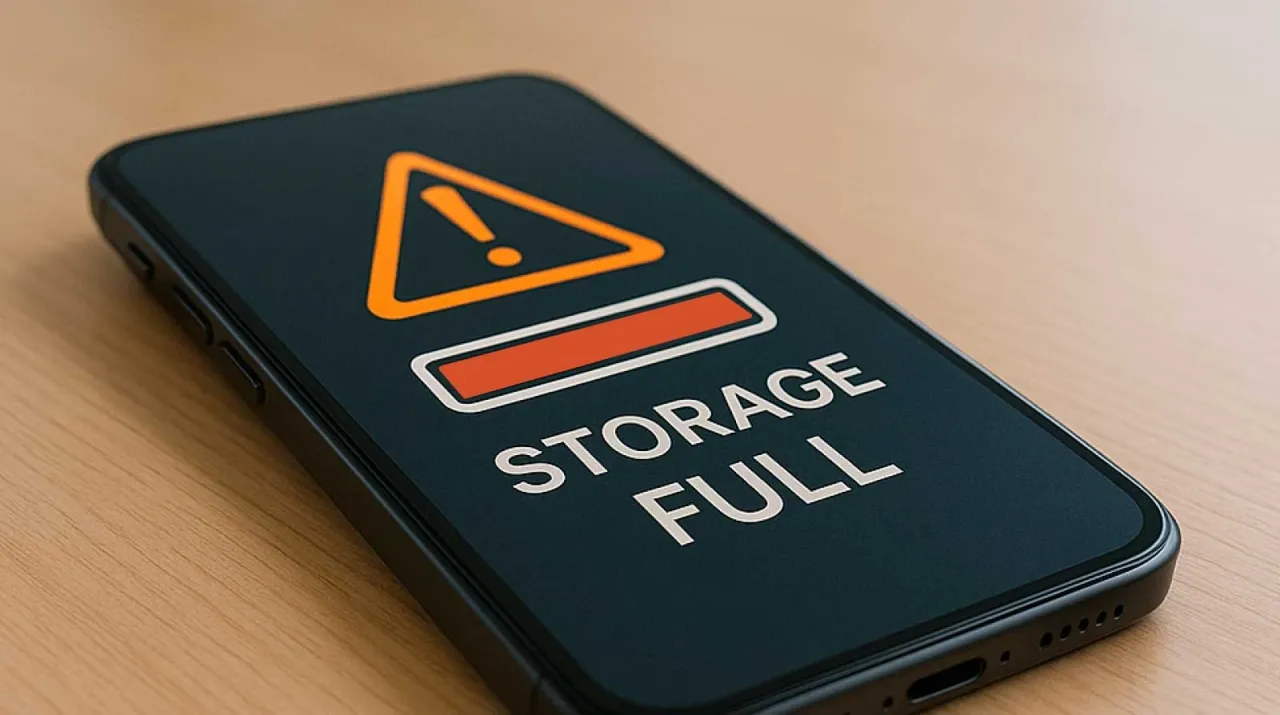
Khaberni - One day you might open your phone to be surprised by a message saying that the storage space is full, even though you have not downloaded many files or new applications.
This situation is very common, and it makes many people think that there is a problem with the phone, while in reality, the reason is often "invisible things" that consume space without you noticing them.
Where does the storage space go?
When thinking about phone storage, most people believe it is only consumed by photos, videos, and large applications, but in reality, there are other elements working in the background that consume a large part of the memory.
These elements include:
• Temporary files (Cache)
• App data
• System updates
• Hidden backups
• Automatically downloaded files
These items accumulate over time without you noticing them.
Cache: The most common reason
Cache or temporary files are data that the phone saves to speed up the operation of applications. For example, social media apps save photos and videos you have previously viewed so they don't have to be downloaded again.
The problem is that:
• These files accumulate quickly
• They are not always automatically deleted
• They can become very large
Therefore, you might find that a single app is consuming gigabytes of space without you realizing it.
Apps and their data
Even if you haven't downloaded many apps, the ones that are already installed can consume a lot of space over time.
For example:
• Chat apps keep photos and videos
• Apps store usage data
• Some apps create internal files that aren't easily visible
So, the number of apps is not the problem, but the amount of data they store is.
\"Hidden\" photos and videos
Sometimes photos or videos are there but you don't see them easily, like:
• Photos inside apps like WhatsApp or Telegram
• Old screenshots
• Duplicate photos
These files may be scattered in different folders, making them hard to notice.
System updates
Each operating system update adds new files and may keep some old ones as well. Over time, these updates may consume a noticeable part of the space.
Some devices also keep backup copies of the system in case they need to revert to them.
Forgotten download files
How many times have you downloaded a file, photo, or document and forgot to delete it? The "Downloads" folder often contains old files you no longer need.
These files:
• May be large in size
• Are rarely reviewed
• Accumulate over time
Why does the memory fill up quickly?
The real reason is "accumulation," not sudden use. Every day you add some data:
• A photo here
• A video there
• A temporary file from an app
Over time, these small things turn into a big problem.
How to solve the problem?
Fortunately, this problem can be easily handled if you know where to look:
• Delete cache from app settings
• Review photos and videos and delete the unimportant ones
• Clean up the download folder
• Delete unused apps
• Use phone cleaning tools
You can also move some files to the cloud or to another device to save space.
Do you need to increase your phone's capacity?
In some cases, the phone's own capacity may not be enough for your needs, especially if you use it intensively. Here the solution might be:
• Using a memory card (if the device supports it)
• Or consider a device with a larger capacity
But often, the problem is in managing the space and not in its size.
Phone memory filling up doesn't mean you are using it incorrectly, but it is a natural result of data accumulation over time. Cache, app data, and hidden files are all factors that consume space without you noticing.
Once you understand these reasons, you can easily control the space on your phone and maintain its performance without the constant worry of memory filling up.