Khaberni - Many might think that the different colors of USB ports on computers are just a decorative element, but the truth is that these colors carry important technical meanings related to data transfer speed and performance efficiency.
With the continued use of these traditional ports alongside USB-C, understanding the differences between them becomes necessary for users.
The Black Color
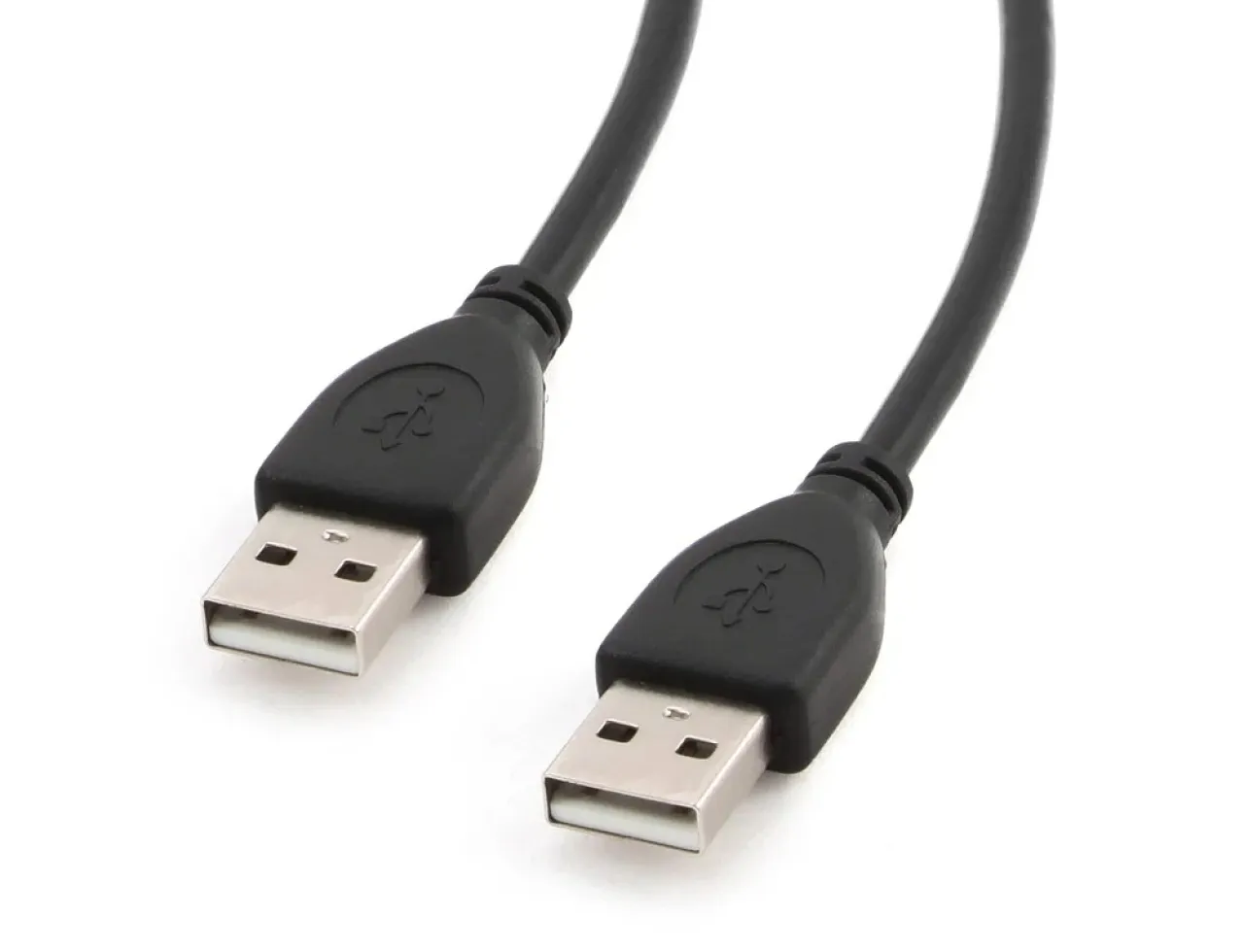
The black port usually indicates the USB 2.0 standard, one of the oldest versions that emerged in the early millennium. Although it was classified as high-speed at its launch, its maximum data transfer capacity does not exceed 480 megabits per second.
This type remains suitable for simple uses such as connecting the mouse and keyboard or low power consumption devices, but it does not meet the requirements of modern devices that need higher transfer speeds.
The Blue Color
Conversely, the blue color generally indicates USB 3.0 ports or what is known as SuperSpeed, which provides speeds up to 5 gigabits per second, about 10 times faster than USB 2.0 ports.
These ports are also distinguished by their ability to provide greater power, making them suitable for operating high-performance devices such as external hard drives and high-definition video cameras.
It is worth noting that despite the prevalence of this color coding, it is not a mandatory official standard for all manufacturers. Some devices may use black ports that support USB 3.0 speeds, or they may use symbols like the SS or SuperSpeed logo to clarify the true capabilities of the port. Therefore, experts recommend checking the device specifications or user manual rather than relying on color alone.
Compatibility Between Generations
One of the important features of USB ports is that they support backward compatibility, meaning that modern devices can be connected to old ports and vice versa. However, performance in this case will be limited by the speed of the slower port, which may affect the efficiency of data transfer or even the operation of some devices.
Understanding the Significance of Colors
Experts affirm that understanding the significance of USB port colors helps users achieve the best performance for their devices, especially when dealing with large files or devices that require high speed. While the blue color remains the best choice for speed, black remains a practical choice for simple tasks, reflecting the ongoing balance between old and new in the world of technology.