Khaberni - Simple daily tasks can accumulate and consume a lot of time; for example, when planning a trip with friends, users often need to navigate between several apps on their mobile devices to check their schedules to avoid conflicts, book a car to get to the airport, repeatedly open the notes app to review the destinations, and track payment receipts, in addition to spending a long time editing captured photos during the trip before sharing them.
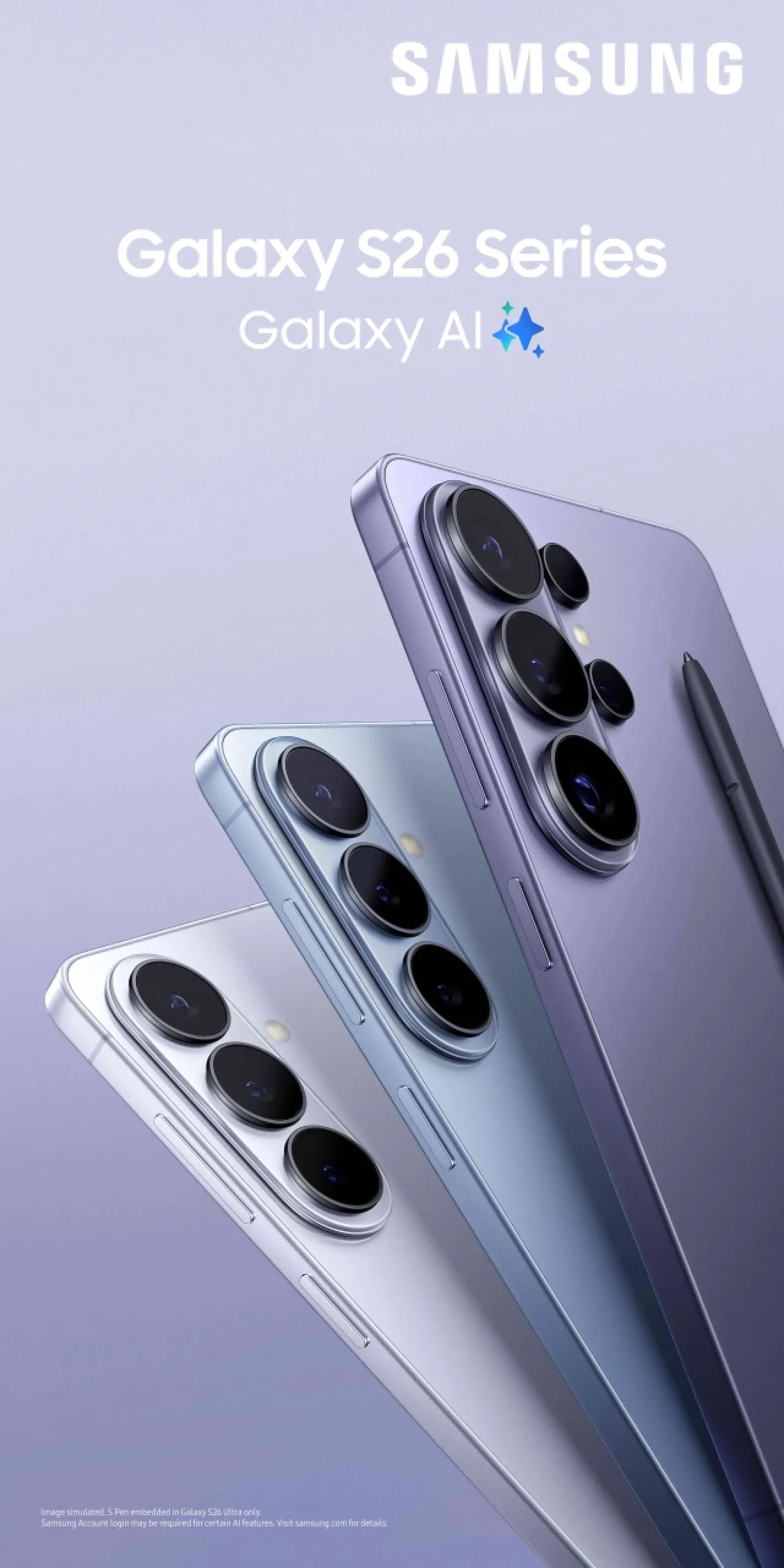
To facilitate these tasks, the Galaxy AI system in the Galaxy S26 series is designed to simplify the user experience, proactively shortening necessary steps and helping them efficiently complete their activities. This innovative system provides timely support, allowing focus on accomplishing main tasks without the need to navigate between different apps to manage all the details.
Key features of the Galaxy AI system in the Galaxy S26 series
The Galaxy AI system on Galaxy S26 devices assists users with their various daily tasks by simplifying planning, creating, organizing, and sharing content, and more. It allows them to carry on tasks seamlessly and without interruption, including offering suggestions that fit the context of conversations, and providing streamlined tools for optimizing and organizing visual content.
Among the standout features of the system is the Now Nudge technology, which adapts to information displayed on the screen and stored in the device to provide smart, proactive, and timely suggestions. For example, when users discuss a plan to stay out late during a chat on a messaging app, a Galaxy S26 device can highlight the date mentioned in the conversation and display the activities scheduled for that day in the calendar, suggesting adding a plan to meet friends without the need to switch between apps.
When users are asked to share photos from their trip to New York, for instance, the Now Nudge technology can automatically suggest those photos from the gallery, allowing them to be shared within seconds instead of the hassle of searching through albums. It also provides the ability to extract stored information about a specific topic, such as a list of the best cafes recorded in the Samsung Notes app, without the need to navigate between relevant apps.
To see detailed steps for experiencing the features of the Galaxy AI system, please watch the explanatory video via this link.
Galaxy S26 devices excel at executing multi-step tasks in the background, which helps accomplish daily activities more easily and fluidly. The Google Gemini app can search and perform complex operations smoothly across various apps, operating through natural interactions of users with their devices. For example, if a user is delayed for a meeting with friends, they can press and hold the side button on their device and ask the Gemini app to book a taxi to the required destination, where the AI assistant opens the necessary app and prepares the trip awaiting the user's confirmation. This experience provides an insight into the capabilities of an AI agent, and its ability to handle routine tasks in the background, reducing the burdens of daily activities.
Galaxy cameras are famously capable of easily capturing stunning photos, and today's enhancements to the Photo Assist and Creative Studio technologies in Galaxy S26 devices help simplify the processes of editing and personalizing visual content.
The Photo Assist technology now supports editing operations using natural language commands, allowing users to make desired adjustments by describing the required change without having to use technical terms, specialized tools, or have editing expertise. When capturing a perfect picture of a delicious dish, for instance, a friend might eat part of it before the photo is taken; here, Photo Assist can automatically reconstruct the missing portion. This technology also allows transforming a daytime natural scene into a night scene. Users can review various stages of photo editing, with the ability to revert to any previous stage at any time, enhancing the ease of editing processes.
The Creative Studio technology, found in the side control panel, provides a unified, easy-to-use space for executing creative ideas, by converting initial sketches, images, or simple plans into ready visual designs such as fun stickers used in group chats, or wallpapers that reflect the user's style. Contents can continue to be edited after creation, or shared directly without the need to switch between different tools, maintaining the continuity of the creative process.
Galaxy AI system also helps organize daily tasks and facilitates handling documents; users can utilize the built-in Document Scan feature in the camera app to expedite paper transactions. For instance, when users in a medical clinic are asked to fill out a specific form by a family member, they can scan the form and immediately send a clear digital copy. Galaxy S26 devices excel at recognizing documents, removing all distortions and distracting elements such as paper folds or fingers appearing at edges. When there are multiple pages, users can effortlessly combine them into a single PDF file.
The Galaxy AI system in the Galaxy S26 series is designed to execute simple, time-consuming tasks, providing users with easier experiences by minimizing the effort needed to perform daily activities. These devices have thus become capable of adapting to users' needs and keeping up with usage styles, allowing them to spend more time focusing on their everyday activities.
Users can now explore the Try Galaxy platform Try Galaxy to experience the latest features available from Samsung using their current devices. More information about the Galaxy S26 Ultra device and all the latest Galaxy devices is available on the website Samsung.com.