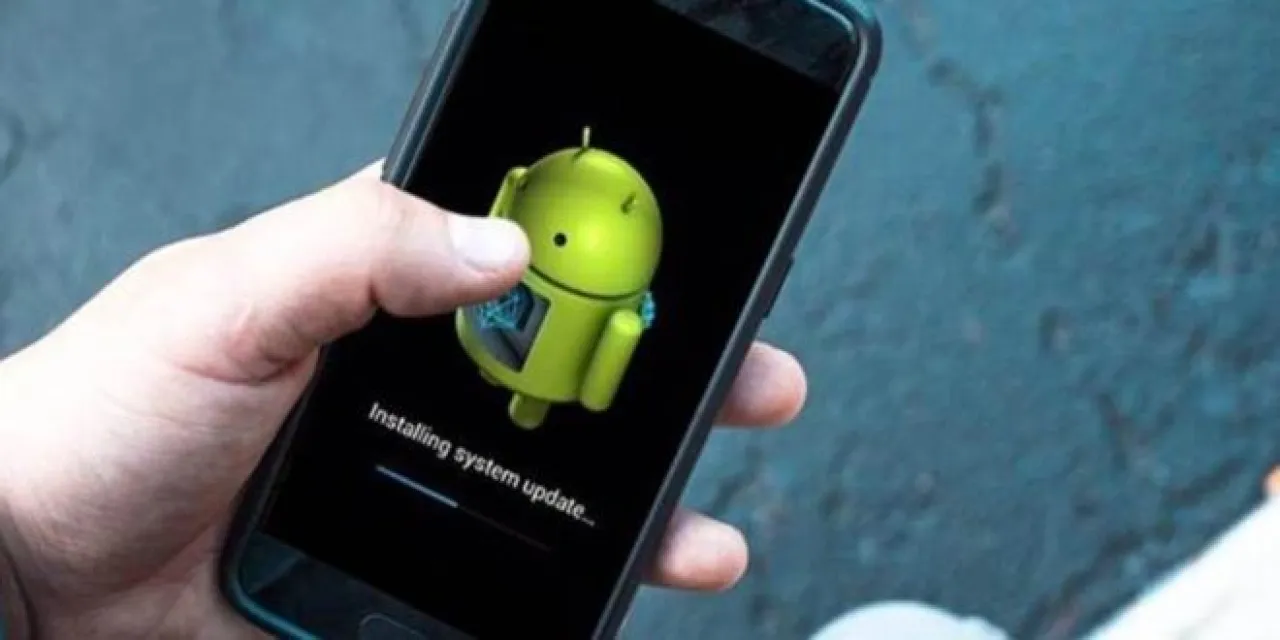
Khaberni - With daily use, many people notice the problem of phone slowdown after a period from purchasing the device, even if it was initially fast and efficient.
This is quite normal to a large extent, but it can be annoying and affect productivity. In this article, we will learn about the main causes of phone slowdown, then we offer practical solutions that help in accelerating the phone and significantly improving its performance, with clear steps to solve the problem of phone slowdown.
Why does the phone become slow?
There are several factors that lead to performance degradation over time, often due to system accumulations or misuse.
Full storage space
The more the phone's memory is filled with photos, applications, and videos, the slower the device becomes. The system needs free space to work efficiently, and when the memory is full, problems start to appear.
Many apps in the background
Some applications continue to run in the background even after they are closed, consuming memory (RAM) and significantly slowing down the phone.
Heavy updates
Sometimes system updates slow down older devices, because the updates are designed to fit newer devices with higher capabilities.
Temporary files (Cache)
With use, temporary files accumulate inside the applications. These files help speed up use temporarily, but over time they become a burden that slows down the device.
Viruses or malicious apps
Downloading applications from untrusted sources can lead to the installation of malware that consumes device resources and affects performance.
Device aging
Over time, phone components become less efficient compared to modern applications that require higher performance.
Symptoms of slow phone
Before looking for a solution to the problem of slow phone, you may notice some signs such as:
Delay in opening applications.
Hanging or sudden stopping.
Slowness in scrolling.
Device heating.
Fast battery consumption.
Practical solutions to speed up the phone
Fortunately, there are simple and effective steps that help in speeding up the phone and improving its performance without the need to buy a new device.
Cleaning storage space
Delete duplicate photos, unimportant videos, and unused applications. Always try to leave at least 20% of the phone's capacity as free space.
Delete unnecessary applications
Review the list of apps and remove any app you don't need. Each additional app may consume device resources even if you do not use it directly.
Clear cache
Go to the application settings and clear the Cache regularly. This step alone can make a noticeable difference in performance.
Stop background applications
Close the applications you do not need, and prevent some of them from running in the background through settings.
Reboot the phone
Rebooting regularly helps clean temporary memory and reset the system, which contributes to improving performance.
Update the system and applications
Although some updates may be heavy, most updates contain security improvements and bug fixes. Make sure to update the apps at least.
Use a lightweight version of applications
Some applications offer "Lite" versions that consume fewer resources, like social media apps. These versions help in improving the phone's performance noticeably.
Reduce visual effects
Reducing or stopping animations from the phone settings or developer options can make the device faster in response.
Factory reset (as a last resort)
If none of the solutions work, you can perform a factory reset. This step returns the phone to its original state, but requires making a backup first.
Tips to avoid phone slowdown in the future
Do not download apps from untrusted sources.
Clean your device regularly.
Do not leave the storage full.
Monitor the applications that consume battery and memory.
Reboot the phone periodically.
Following these practices reduces the causes of phone slowdown and maintains the device's performance for a longer period.
When should you change the phone?
If the phone becomes too slow despite trying all the solutions, and it is several years old, the best solution may be to upgrade to a newer device, technology evolves quickly, and some older devices may no longer keep up with modern applications.