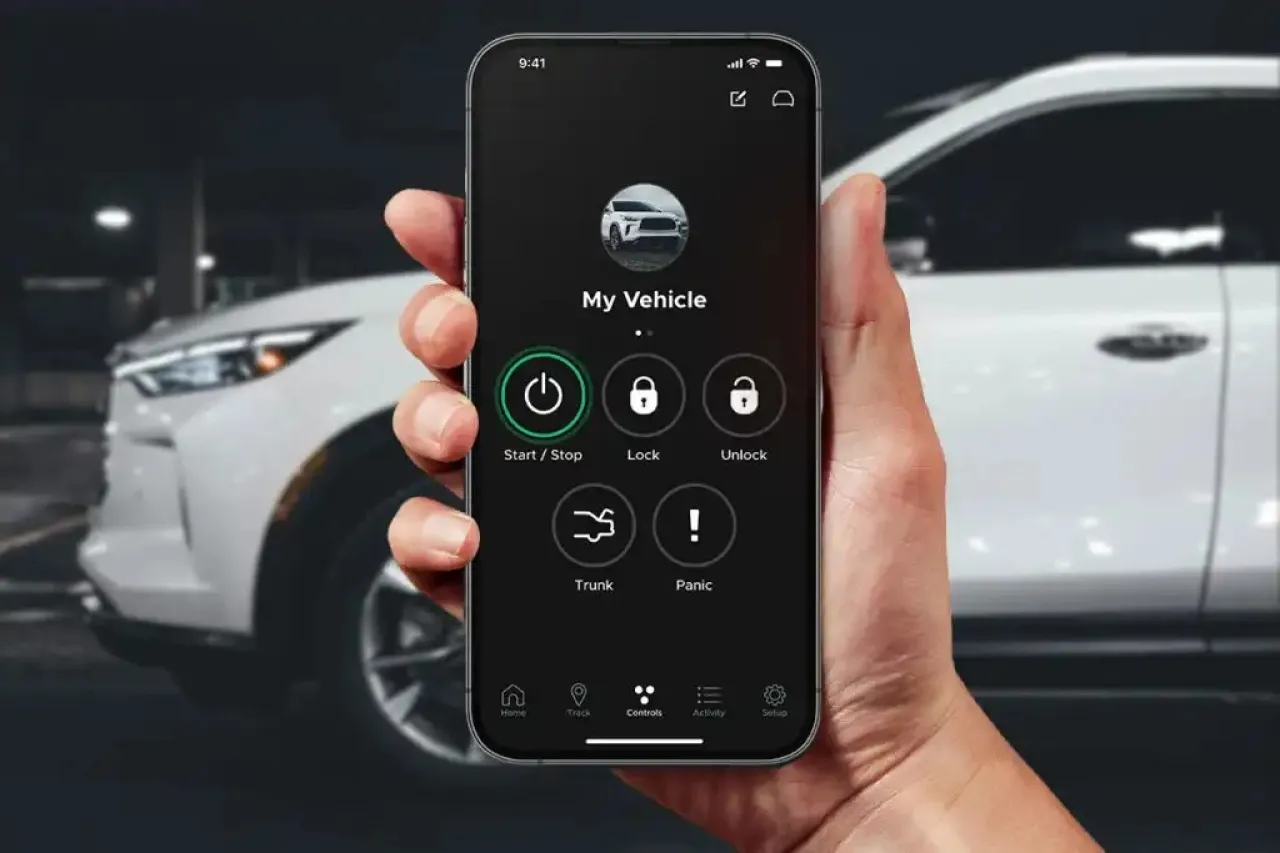
Khaberni - Modern technology now allows iPhone users to remotely start their cars, whether to heat the cabin in winter or cool it in summer before entering the car.
This feature is available through car manufacturers' apps or some third-party applications, offering a practical solution for smart and convenient car control from anywhere.
With the rapid advancement of smart technologies, users can easily start their cars using their phones, providing comfort and complete control before setting off.
Whether the goal is to warm the cabin on cold days or cool it in the summer, the remote start feature is a practical step that reduces time and enhances the daily driving experience.
What do you need?
Unlike the Apple Car Key feature, which gives you a car key inside your iPhone and starts it when the phone is near the car, the remote start function relies primarily on applications from car manufacturers or third-party services that support this feature.
In some modern cars, popular apps that allow remote car starting via iPhone include apps like myChevrolet, myGMC, myCadillac, or the HondaLink app for Honda cars and the Bluelink and Kia Access apps for Hyundai and Kia cars, as well as apps from luxury car companies like Mercedes-Benz, BMW, Audi, Tesla, and others.
How do you activate the feature?
The first step is to download the car manufacturer's app on your iPhone and register your account according to the app's instructions. After that, you need to link the app to your car by entering the chassis number, or following the pairing steps provided by the app.
Once the setup is complete, you can start the car remotely directly from within the app. These applications usually work over an internet connection, which means you can start your car from anywhere with cellular or Wi-Fi connectivity.
This is different from using Apple Car Key which relies on Near Field Communication (NFC) technology and Bluetooth to unlock and start the car when the phone is very close to the car.
Third-party applications
If your car does not officially support the remote start feature from the factory, there is still an option using third-party applications.
One such solution is the Viper SmartStart app, which requires installing a special device in your car and purchasing an annual subscription to use the feature via iPhone.
This can be a convenient option for those who want to add the remote start function to an older or unsupported car.
Useful tips
Before remotely starting your car via iPhone, there are some things to consider to ensure safety. These include making sure the car is locked and ensuring the car is in an open and well-ventilated area, especially when using the start to heat or cool the cabin.
It is also important to remember that some countries impose restrictions on running engines in closed spaces or on public streets for environmental or safety reasons.
The future of smart control
Control over cars via smartphones or even voice is becoming more accessible than ever before. As companies continue to expand their support for apps and digital services, it is expected that more advanced features will become available, including smart tracking, climate control via voice commands, and even integration with artificial intelligence systems to further assist drivers in the near future.