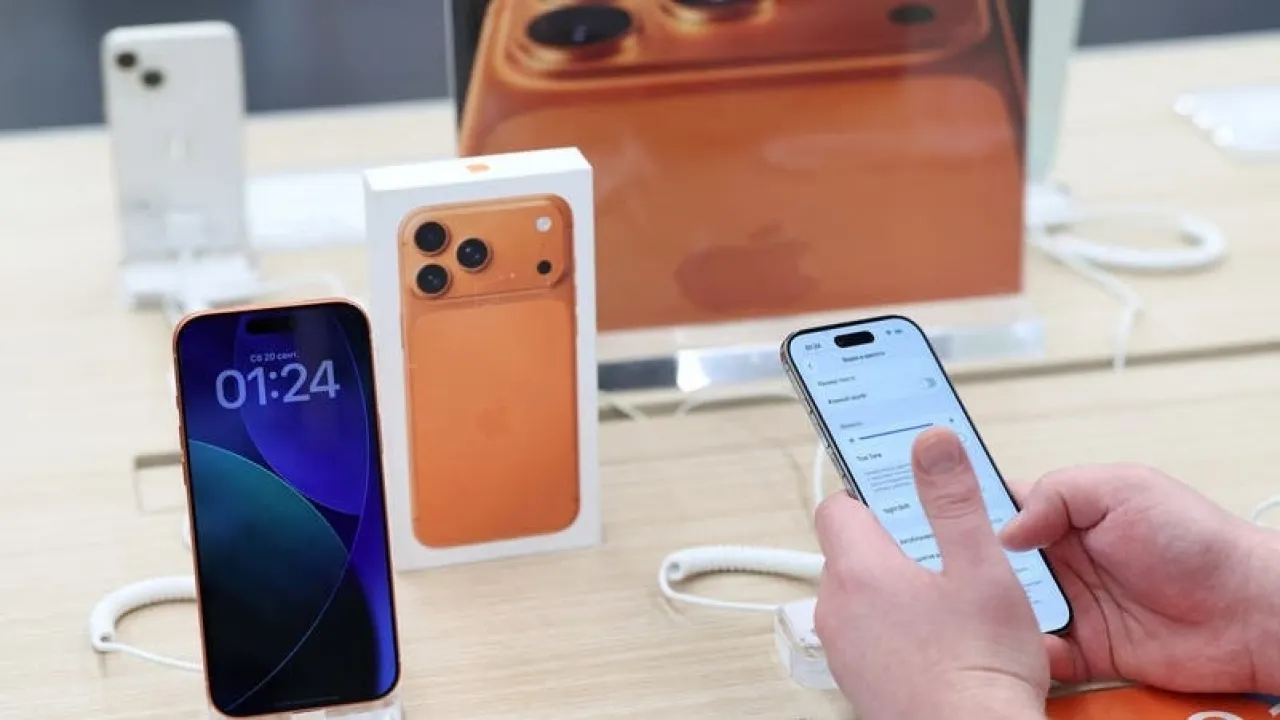
Khaberni - Typically, minor iOS updates are limited to bug fixes, security patching, and performance improvements, but iOS 26.2 has broken this mold by adding a range of practical features that have been long-awaited by some users.
The update, released in December 2025, does not make radical changes to the interface, but it focuses on enhancing the daily user experience for iPhone users, making the system more mature and professional.
After using the new version for several weeks, here are the top 5 features you'll notice the impact of as soon as you update your device, according to a report published by "slashgear".
A full alarm within the Reminders app
iPhone users have long complained about the significant gap between the Alarm and Reminders apps.
While the alarm continues to ring until it is manually stopped, reminders used to just give a single notification that could easily be missed.
In iOS 26.2, Apple has addressed this shortfall by adding an "Urgent" option within the reminders.
When activated, you can set a real alarm that functions just like a clock alarm, with a full screen and continuous sound until it is stopped or snoozed.
This feature is useful for medication reminders, critical appointments, or even simple tasks like taking food out of the oven, without the need to clutter the clock app with dozens of alarms.
Lyrics function offline in Apple Music
Synchronized Lyrics were among the best features of Apple Music, but they were useless without an internet connection. With iOS 26.2, this has finally changed.
Now, when you download any song or playlist, the synchronized lyrics are also automatically downloaded.
Even in airplane mode, you can display the lyrics smoothly, making the listening experience more complete while traveling or in remote locations.
Additional protection in AirDrop via PIN code
Despite the popularity of AirDrop, it has raised privacy concerns, especially when receiving from "Everyone" is enabled.
In iOS 26.2, Apple added a new security layer via a PIN verification code.
When someone not in your contacts tries to send a file, a six-digit code appears on your phone, and the other person must enter it to complete the transmission.
This method effectively eliminates unwanted or random sending without sacrificing usability.
Control over the "Liquid Glass" effect on the lock screen
iOS 26 introduced the Liquid Glass design which has been widely contentious due to its limited controllability. With iOS 26.2, users can now adjust the intensity of this effect via a new control bar.
You can now balance aesthetics and clarity, whether you prefer a sleek transparent look or a blurry effect that makes the time clearer against colorfully busy backgrounds.
The adjustment also extends to some other interface elements, giving the system a more cohesive look.
Sorting games by size
As iPhone becomes a genuine gaming platform thanks to the A19 Pro chips, game sizes have become a real issue, especially for users with limited storage capacities.
In the Apple Games app, Apple has added an option to sort games by size, allowing you to see at a glance which games take up the most space with a single tap.
The feature makes it easier to manage storage and delete unused games without diving into system settings.
iOS 26.2 may not be a revolutionary update, but it is one of those updates that truly makes a difference in daily use.
Smart improvements, long-awaited features, and practical touches make the iPhone more comfortable, secure, and flexible.