Khaberni - - Amid the ongoing acceleration of digital technologies and the increasing numbers of smartphones that go out of service annually, smart solutions emerge to repurpose these devices instead of leaving them neglected. Among these solutions is the possibility of converting an old phone into a practical router for easily sharing the internet, whether at home or on the move.
As smartphones are renewed at a fast pace, many find themselves with old devices stored in drawers without actual use. However, these phones can be transformed into a useful tool for distributing the Internet, without the need to buy additional equipment or rely on complex applications.
The main advantage of this method lies in its simplicity, as it relies on the fundamental features built into operating systems, whether Android or iOS, allowing the use of the phone as a portable router with easy steps, and providing a practical alternative in cases of internet outage or while traveling and moving.
Good idea
Many people use their phones for a short period before upgrading to a newer device, leaving old phones in an unused state.
These devices, if functioning well and linked to an unlimited internet plan, can be used as a mobile internet distribution device or a Wi-Fi Hotspot for your home, office, or while traveling.
The process does not require a specialist, and the phone can be used to cover weak signal areas in the house, or to create a separate guest network from the main home network, or to use the phone as a portable router while traveling or working outside the home.
Phone Setup Steps
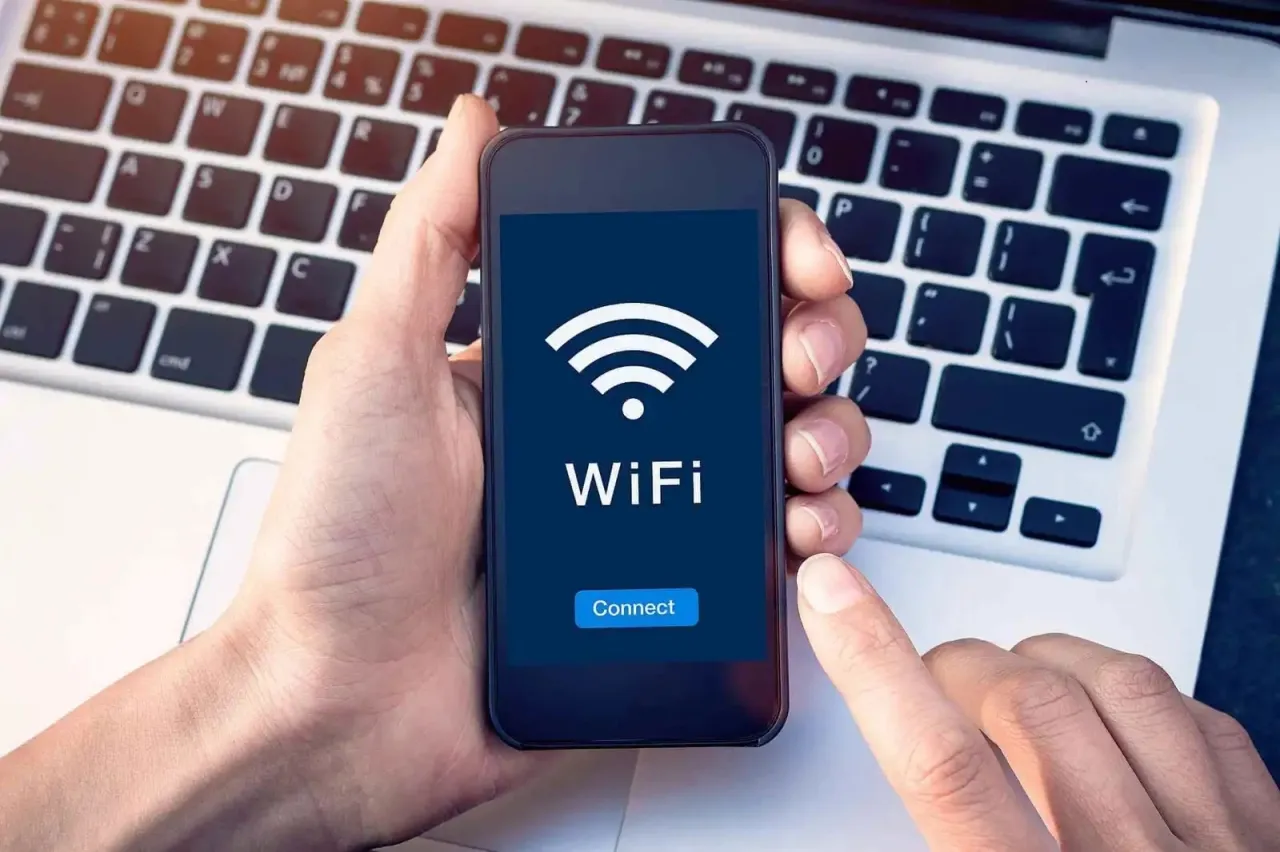
Converting an old phone into a router is simple and easy to implement on both iOS and Android devices. The method that everyone knows is by opening the phone settings and navigating to the Personal Hotspot section, choosing the network name, and the password you want to use to secure the connection.
If the timeout option is available, you can set it to automatically stop the hotspot when there are no connected devices, saving the battery. After activating the hotspot, the phone will start broadcasting a Wi-Fi network that other devices can connect to.
Then, the network name you chose will appear on other devices like any regular Wi-Fi network, and you can access it by simply entering the password.
Advanced Connection Options
Besides wireless connectivity via Wi-Fi, the phone also supports USB tethering connections, a method not well-known by many, depending on directly connecting the phone to the computer via a USB cable to utilize the internet.
Tips for Maximum Benefits
To maximize the benefits of these methods, ensure to connect the phone to an external power source during long broadcasting sessions to prevent the battery from draining quickly.
Also, use a strong password to protect your network from intruders. And if you travel frequently, the old phone might become a practical alternative to the portable router without the need to buy a new router.
```