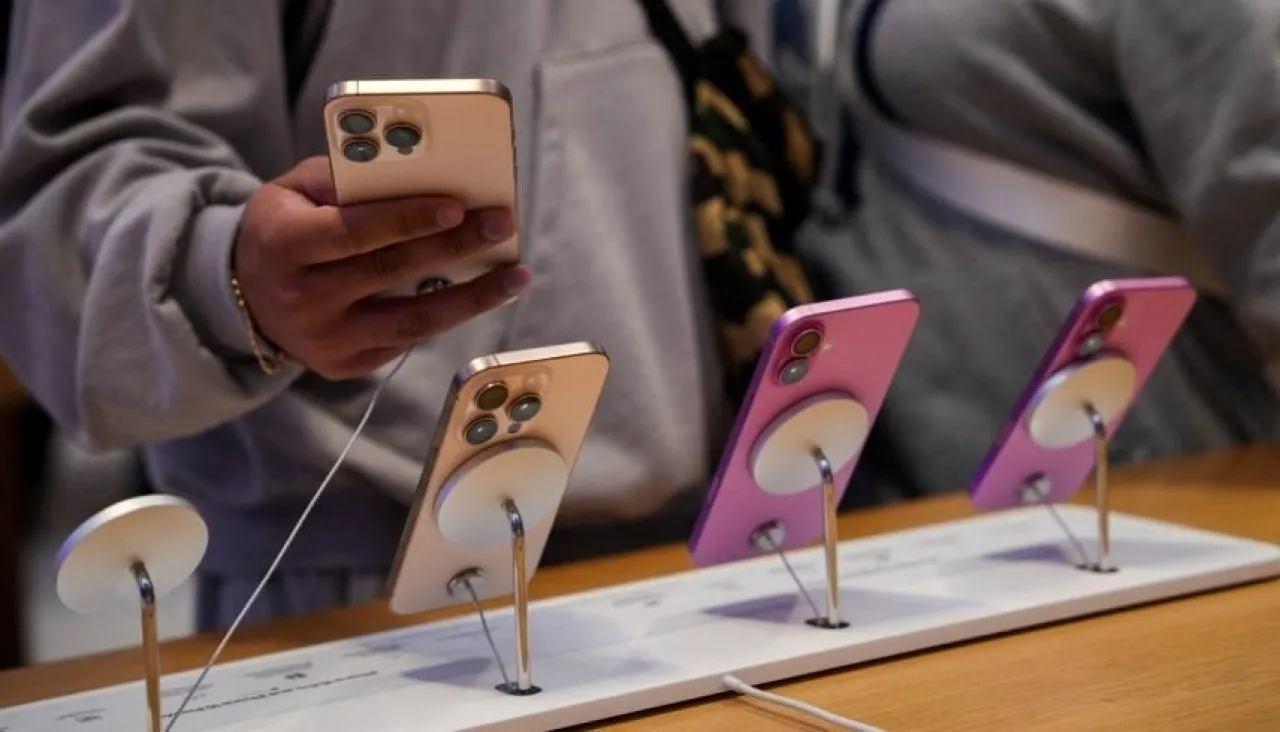
Khaberni - In the age of digital shopping, it has become easy to obtain iPhones through online stores or authorized sellers, but the most common question among consumers is: How can you be sure whether the phone you bought is new, used, or a replacement unit?
To answer this question, recent tech reports have revealed a simple and quick way to check the status of any iPhone by looking at a single letter in the device's model number.
According to experts, you can find out the details through the following steps:
- Open the Settings app on your phone.
- Navigate to General and then About.
- Look for the Model number and notice the first letter of the number, which reveals the status of the device:
M: Brand new device, not previously serviced by Apple.
F: Refurbished device, repaired by Apple and then sold as a used unit.
N: Replacement unit, provided when repairing an original device and refurbished for use as a substitute.
P: Personalized device with engraving or custom printing at purchase.
3A: In-store display unit.
Reports confirm that knowing these details is essential for consumers, especially when buying refurbished or used phones, to avoid falling prey to sellers or being influenced by influencers on social media platforms.
Experts also recommend taking a series of precautions before purchasing a refurbished iPhone, including:
- Checking the reputation of the seller and reading customer reviews and return policy.
- Ensuring there is a warranty of at least six months, with the possibility of obtaining an extended warranty if necessary.
- Examining the external condition of the phone, checking the battery health, and verifying the primary functions of the device such as WiFi, SIM slot, screen, and microphones.
- Ensuring the phone is unlocked and operates on the latest version of iOS or a version that supports essential apps.
- Determining whether the device contains original Apple (OEM) parts or third-party components.