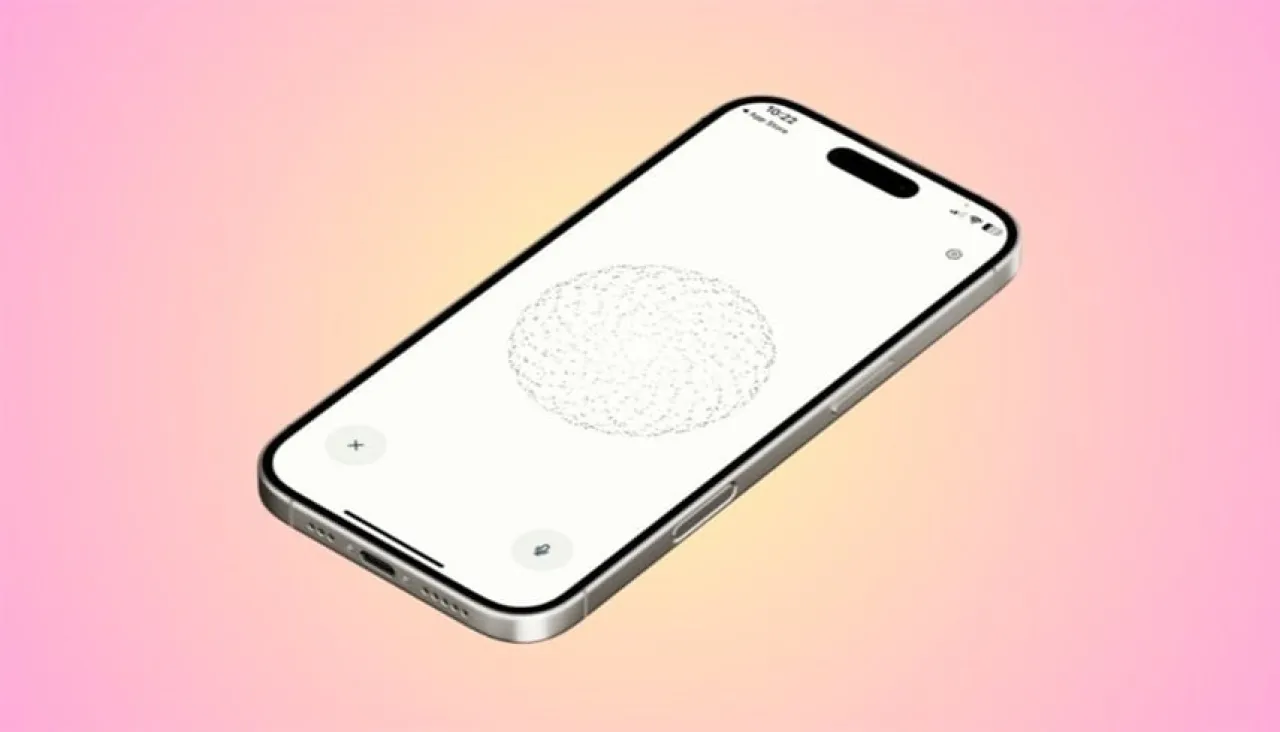
Khaberni - The smart assistant "Perplexity Voice" can now provide an advanced interactive experience that allows the user to search, send messages, book appointments, and perform daily tasks using voice commands.
Although it has not completely replaced "Siri" yet, it is a better, faster, smarter, and more efficient option, according to the "Thomas Guide" website.
Here are the steps to set up "Perplexity Voice" on the device for effective use:
1 - Get "Perplexity": The user will first need to install the latest version of the "Perplexity" app on their phone, from the app store for free.
2- Open Shortcuts: After that, the user will need to open the "Shortcuts" app, which comes by default with the iOS operating system.
3- Go to "Perplexity": By scrolling down among the listed apps, arranged alphabetically, until you reach it, or searching directly by its name.
4- Start voice mode: Click on voice mode to start it immediately in "Perplexity."
5- Return to Shortcuts: To speed up this process and pin this shortcut on the home screen, go back to the Shortcuts app.
6- Create a new shortcut: By clicking on the + sign.
7- Find "Perplexity" in the list of applications and click on it, then start "voice mode" again from the advanced options menu.
8- Pin the shortcut on the screen: By first pressing on the share option then clicking on "Add to Home Screen" to be able to quickly find this shortcut in the future.
9- Choose the color and icon of the shortcut, then click on "add" to confirm your request and then launch your shortcut.