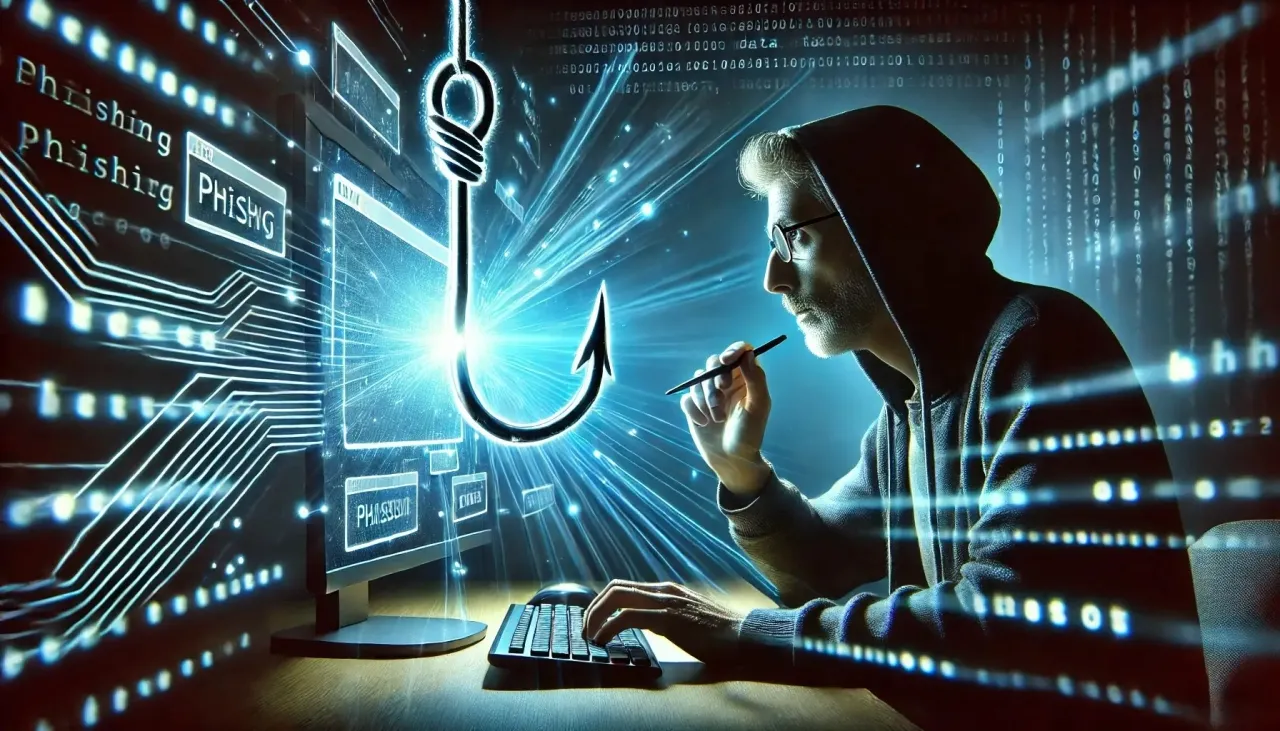
Khaberni - The Federal Office for Information Security stated that data phishing has become a part of digital life like videos and social networks, where fraudulent email senders often achieve their goal and spy on user data, according to the German news agency.
Warning Signs
The office added that although fraudulent emails are constantly improving, there are several warning signs that can be noticed, such as:
– Does the user feel strange about the email?
– Is there consistency between the sender, the subject of the message, and the attachments? Or is there something unusual such as receiving a bill without having made any purchases? Or why would the bank suddenly ask for a password? Or why would children suddenly send an email with an unknown attachment?
Critical Questions
The Federal Office for Information Security advised to ask some critical questions:
– Do I know the sender?
– Does the email address make sense?
– Am I expecting this attachment?
And if the user has doubts about the message, then it should not be opened but instead be deleted immediately. Past phishing messages were characterized by some traditional warning signs like awkward language, poor graphics, and spelling errors, and although these errors are no longer present today, some traditional warning signs still exist, such as:
– The opening greeting in the email is unclear
– The wording of the email suggests urgency or threats
– An urgent need for immediate actions such as parcel receipt
– Requests for verifying username and password or downloading a file
– Overly exaggerated product offers.
The German Federal Office also pointed out that companies and government agencies never ask users for passwords, banking information, or any other confidential information via email.
5 Measures
All internet users typically receive phishing emails, but The Federal Office for Information Security recommended the following five actions to counter such attacks:
– Rely on strong passwords, which are difficult to guess and should consist of at least 8 to 12 characters, including uppercase and lowercase letters, numbers, and special characters, with the necessity of using a separate password for each account, and here it is necessary to use password management software to create secure passwords and store them, with popular programs such as "Keepass" and "Onepassword", as well as this service being available in web browsers like Google Chrome and Mozilla Firefox.
– The availability of passkeys provides extra security online, as they are encrypted access data that only open the account after verifying the user's identity. These passkeys are stored on computers or smartphones, and login to the electronic account only occurs after confirming login through the smartphone, though some services currently do not offer the passkey feature.
– Enable two-factor authentication: This function adds a second layer of security in addition to the password; a code is sent to the user via SMS or one of the smartphone applications, and when using two-factor authentication, the account remains protected even if the password is compromised.
– Disable the display of "HTML": When using email programs such as "Outlook" or "Thunderbird" to access emails, the user can switch to plain text view in the settings menu, which prevents the loading of potentially harmful software components, and although the emails might not look as tidy, it helps the user avoid tracking pixels, hidden links, and malicious codes.
– The German experts also advised moderation in the use of email; alternative addresses can be used when registering for newsletters and online forums.